CV Maker is an online tool that helps you create a CV for job applications automatically. You only need an internet connection to access BikinCV, enter your personal information and other important details, and choose a design that suits your career field. BikinCV will then automatically generate a professional, well-organized CV that is ready to submit to recruiters.
The process is simple and convenient: you do not need to adjust margins, spacing, or layouts manually. In just 5 to 15 minutes, you can have a polished CV ready to use.
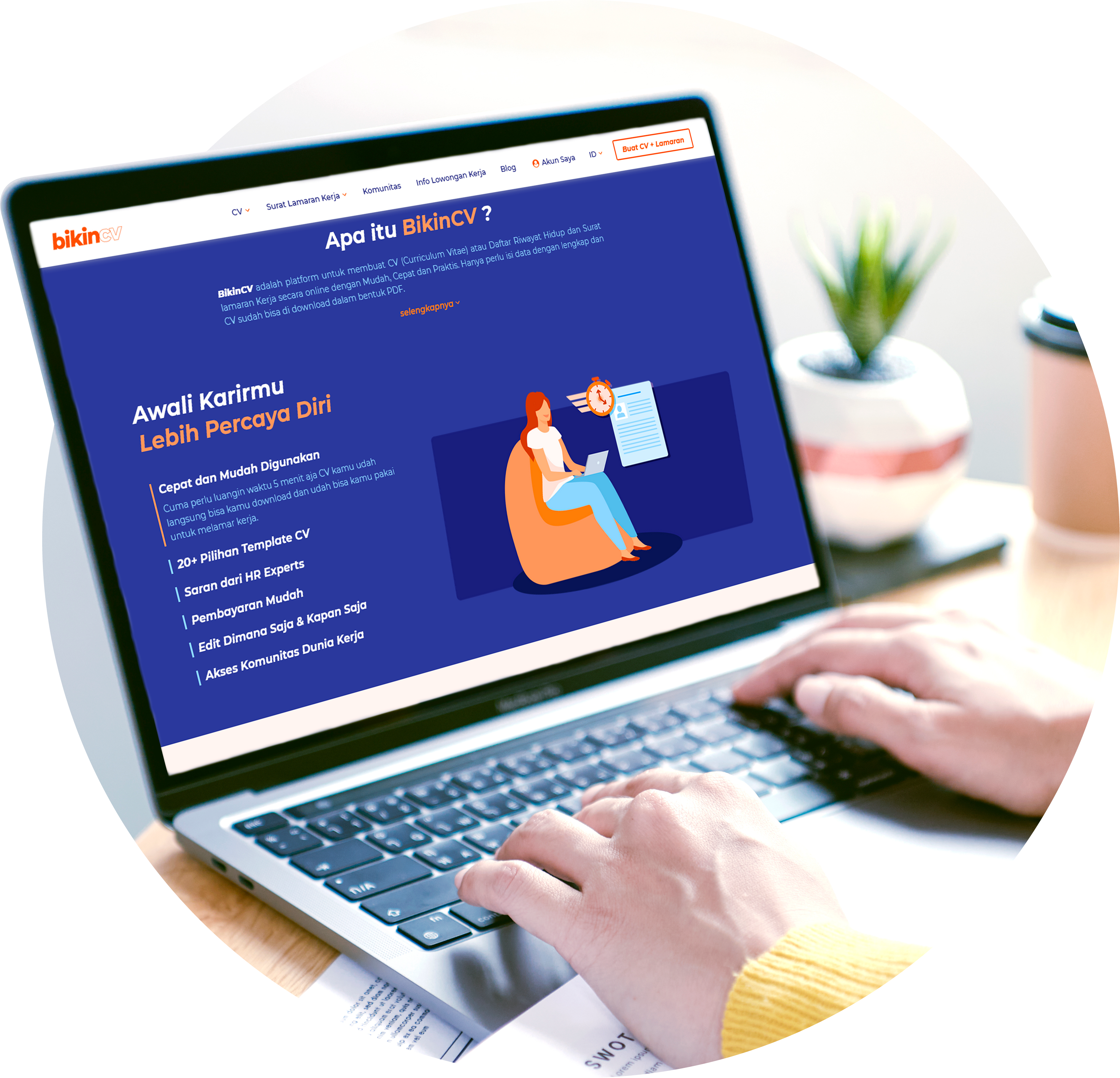
A good CV maker should offer more than attractive templates. Here are the features that make BikinCV convenient for job seekers:
Enter your personal details, education, work experience, and skills in the provided fields. Need help with the wording? Use the Inspiration Button for suggestions.
Choose a design and select a template that suits your career field. Explore the available options on our CV templates page.
Review your CV using the preview feature, make any necessary edits, and download it in PDF or TXT format.
BikinCV is one of Indonesia's leading online platforms for creating CVs and job application letters. It offers a range of useful features designed to make the job application process easier and help you pursue your career goals.
1. Edit and Preview
Preview your CV before downloading it and make edits immediately if you spot typos or incorrect information. Make sure your CV is polished and error-free before submitting your application.
2. ATS-Friendly and Creative CV Templates
Choose an ATS-friendly template when applying to companies that use automated screening systems, or a creative template to showcase your personality in design, marketing, and other creative industries.
3. Cover Letter
Create your CV and cover letter in one seamless process, so you do not have to search for separate templates.
4. Inspiration Button
Get writing suggestions for your About Me section and job position descriptions, then tailor them to your experience.
5. Download in Multiple Formats
Download your CV in PDF or TXT format without needing to convert it yourself.
6. Online Profile
Showcase your skills and achievements through your online profile, which you can share to support your career growth.
7. Professional Community
Ask questions, share experiences, and exchange ideas about the workplace in the BikinCV Community.
8. AI CV Review
Already have a CV? Evaluate its quality with AI CV Review and get feedback to help you improve it.
Many job seekers use BikinCV to create attractive CVs for job applications. With features designed to guide and assist users, the CV creation process becomes easier and faster, especially for people who have never created a CV before. BikinCV is a practical choice for creating a professional and appealing CV quickly and easily.
With features designed to make CV creation easier, you can create your job application CV on BikinCV in as little as 5 minutes. Choose from a range of available template designs to create a CV that stands out. Explore our CV templates or create your CV now.
Ready to apply for a job? Create your job application CV now or explore our CV templates first.
You can also use the BikinCV app: BikinCV on Google Play or BikinCV on the App Store.
A CV Maker is an online tool that helps you create a CV automatically. Simply fill in the required information, choose a template, and the system will generate a complete CV with a professional layout—without the need to adjust the design manually.
BikinCV combines a fast CV creation process of approximately 5–15 minutes, a selection of ATS-friendly and creative templates, preview and editing features, an Inspiration Button to help you write content, and additional tools such as cover letters, online profiles, and AI CV Review—all in one platform.
It takes approximately 5–15 minutes, depending on how much information you have prepared. The process involves just three steps: enter your details, choose a design, and download your CV.
BikinCV offers ATS-friendly CV templates with clean, well-structured layouts that are easy for applicant tracking systems (ATS) to read. For the best results, describe your work experience clearly and include relevant keywords from the job description.
You can download your CV in PDF or TXT format, so you do not need to convert the file before submitting your application.
Yes. BikinCV allows you to create both a CV and a cover letter on the same platform, making the job application process more convenient.
Yes. Use the Inspiration Button to get sample sentences for your About Me section and work experience descriptions. You can then customize them to reflect your own background and experience.
Yes. You can access BikinCV through your mobile browser or download the app from Google Play or the Apple App Store.